
Your cockpit. Reimagined.
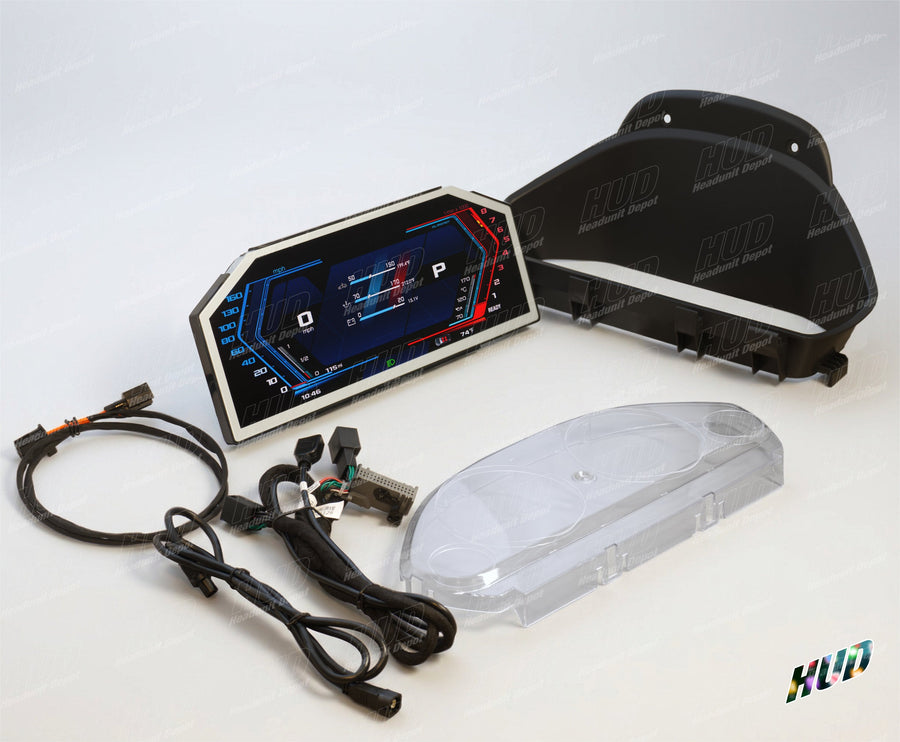
Digital clusters, CarPlay screens and interior upgrades. Find the right upgrade for the car you drive.
Choose your car BMW cockpit with Headunit Depot upgrades
Start with your car.
Choose your vehicle. Explore your upgrades.
Select your year, make, model and exact chassis. Headunit and factory Head-Up Display are optional.
Optional: these details help narrow the product configurations.
Vehicle details narrow the choices. Confirm remaining options before adding to your build.
Browse all products by category
Explore complete collections across every vehicle.
The right upgrade starts with the right fit.
A few details about your car make choosing your upgrade easier.
What is my vehicle generation?
Choose the exact chassis code for your car, such as F30. If you are unsure, contact us with your model, year and dashboard photo.
Why does my factory system matter?
Screen compatibility can depend on your original infotainment system, such as CCC, CIC, NBT or EVO. Select the correct factory system on the product page before ordering.
Does my car have a head-up display?
A head-up display projects information onto the windshield. Some cluster options depend on whether your vehicle has this feature. Check the product configuration before purchase.
Not sure what fits?
Send us your model, year and a photo of your dashboard. We can help you choose.
Find your dashboard style.
Preview examples from our Apex cluster gallery. Available themes and appearance vary by product and software version.


Preview 1
Customer builds
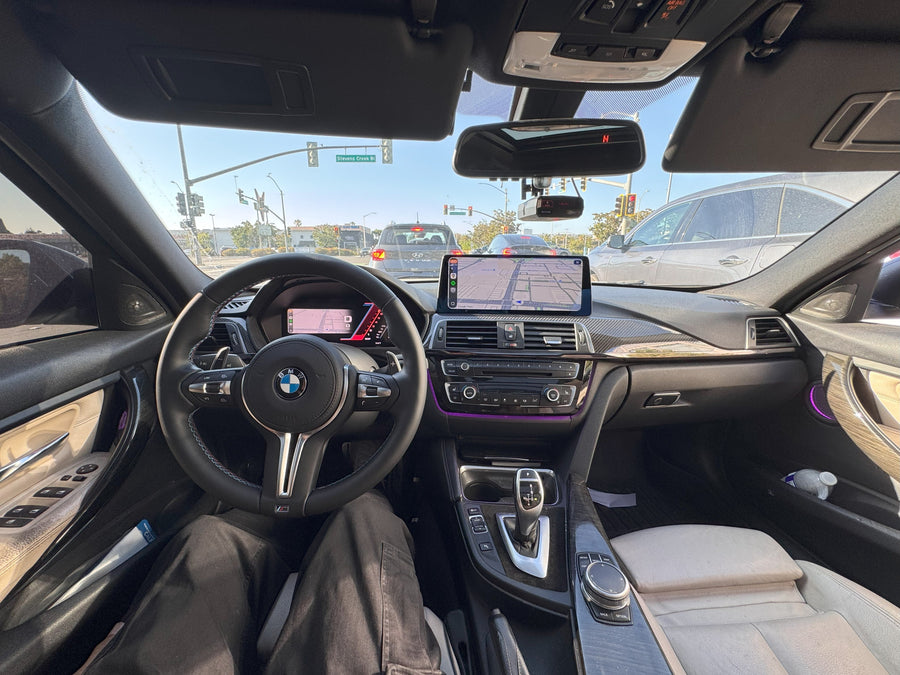
Real vehicles, real upgrades. Explore the products used in each installation.
Customer installations will appear here soon.